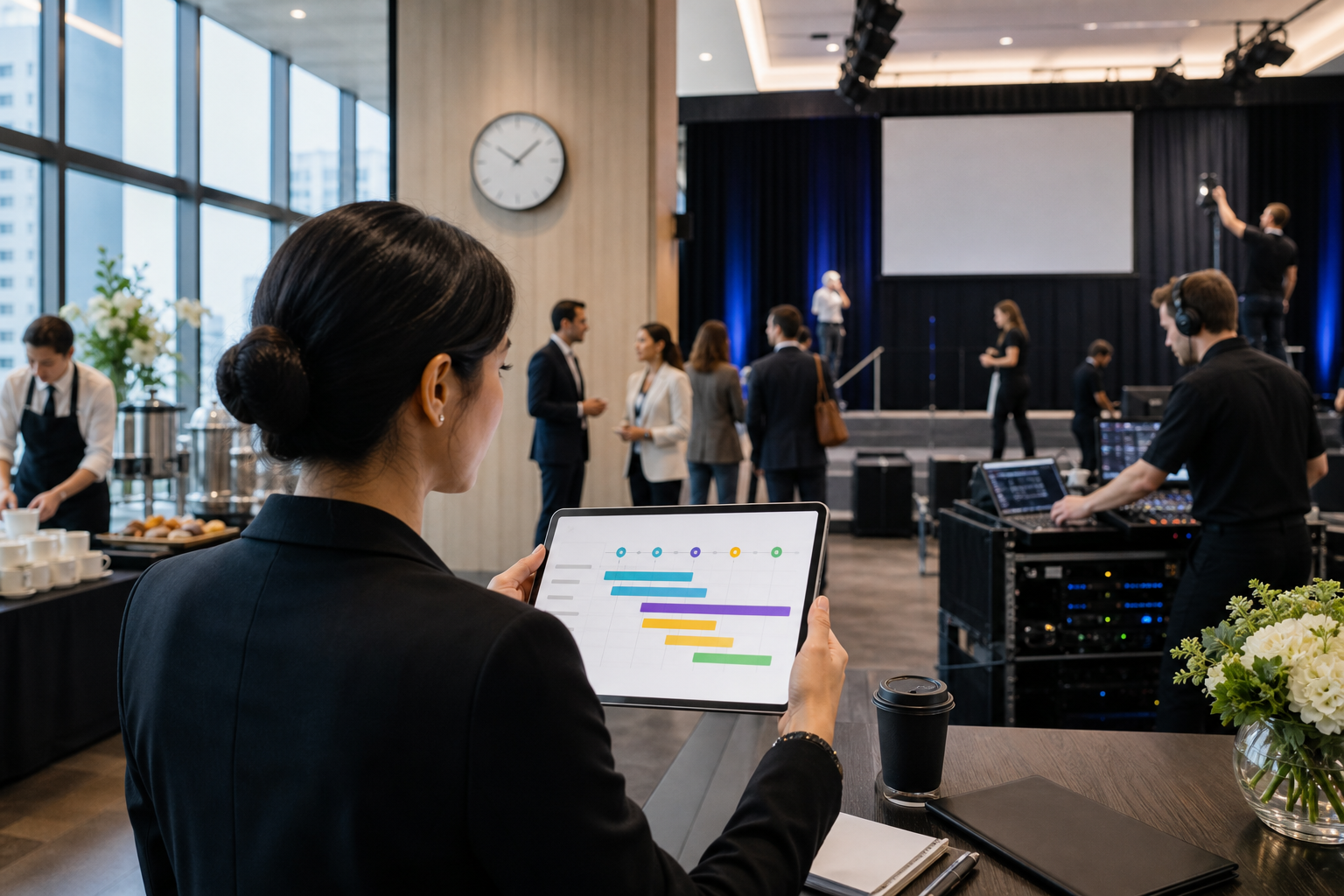
How Enterprise Offices Use Automated Run-of-Show Timelines for Flawless Events
Meta Description: Learn how enterprise offices use automated run-of-show timelines to coordinate corporate events, streamline catering, manage vendors, reduce delays, and create seamless experiences.
Corporate events rarely fail because of one major mistake. More often, problems arise from small timing issues: a speaker arrives late, catering is delayed, a presentation starts before the room is ready, or vendors receive different instructions. For enterprise offices managing complex meetings and events, an automated run-of-show timeline can help keep every detail coordinated.
What Is a Run-of-Show Timeline?
A run-of-show, often called a ROS, is a detailed schedule showing what should happen, when it should happen, and who is responsible for each task. It can include everything from guest arrival and registration to presentations, meals, breaks, entertainment, and event closing.
Traditionally, these timelines are managed through spreadsheets, emails, documents, and messaging platforms. Automated systems can bring these details together and make updates easier to manage.
1. Create One Central Event Timeline
Enterprise events often involve multiple departments and external vendors. Marketing may manage speakers, facilities may manage the venue, and an office administrator may coordinate catering.
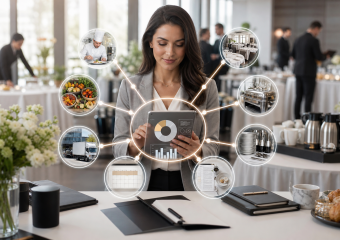
A centralized digital timeline gives everyone access to the same event information. Instead of searching through multiple emails, team members can quickly identify upcoming tasks, responsibilities, and deadlines.
2. Automate Important Reminders
Timing is critical during corporate events. Automated reminders can notify responsible team members before important activities begin.
For example, the system could remind the catering team when food setup needs to begin, notify event staff before guests arrive, or alert a speaker when it is almost time for their presentation.
These reminders reduce the need for someone to manually monitor every part of the schedule.
3. Coordinate Catering With the Event Schedule
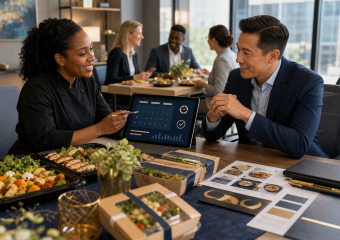
Catering is closely connected to the event timeline. Breakfast may need to be ready before registration, coffee service may need to be refreshed during a break, and lunch may need to be delivered immediately after a presentation.
By connecting catering requirements with the run-of-show, event organizers can provide vendors with clearer timing and instructions.
4. Keep Vendors Aligned
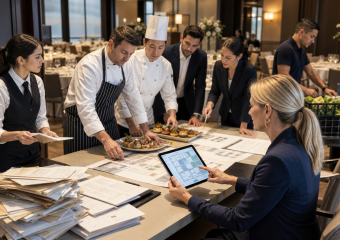
Large corporate events may involve caterers, audiovisual teams, decorators, transportation providers, venues, and other vendors.
An automated timeline can help organize vendor responsibilities and delivery times in one workflow. If the event schedule changes, relevant information can be updated without recreating the entire plan manually.
5. Handle Last-Minute Changes
Corporate events are rarely completely predictable. A meeting may run longer than expected, a speaker may need additional time, or the guest count may change.
Digital timelines make it easier to adjust schedules and communicate changes quickly. This flexibility can prevent one delayed activity from disrupting the entire event.
6. Improve Post-Event Analysis
An automated run-of-show can also become a valuable source of information after an event. Organizers can review which activities started on time, where delays occurred, and which vendors performed according to schedule.
Over time, this information can help companies improve their event planning processes and make future events more efficient.
Conclusion
For enterprise offices, a run-of-show timeline is more than a schedule. It is a coordination tool that connects people, tasks, vendors, catering, and event milestones.
By automating reminders, centralizing information, coordinating vendors, and making schedule changes easier, companies can reduce administrative friction and create more consistent event experiences. As corporate events become increasingly complex, automated event timelines provide a practical way to keep every moving part synchronized—from the first setup task to the final guest departure.